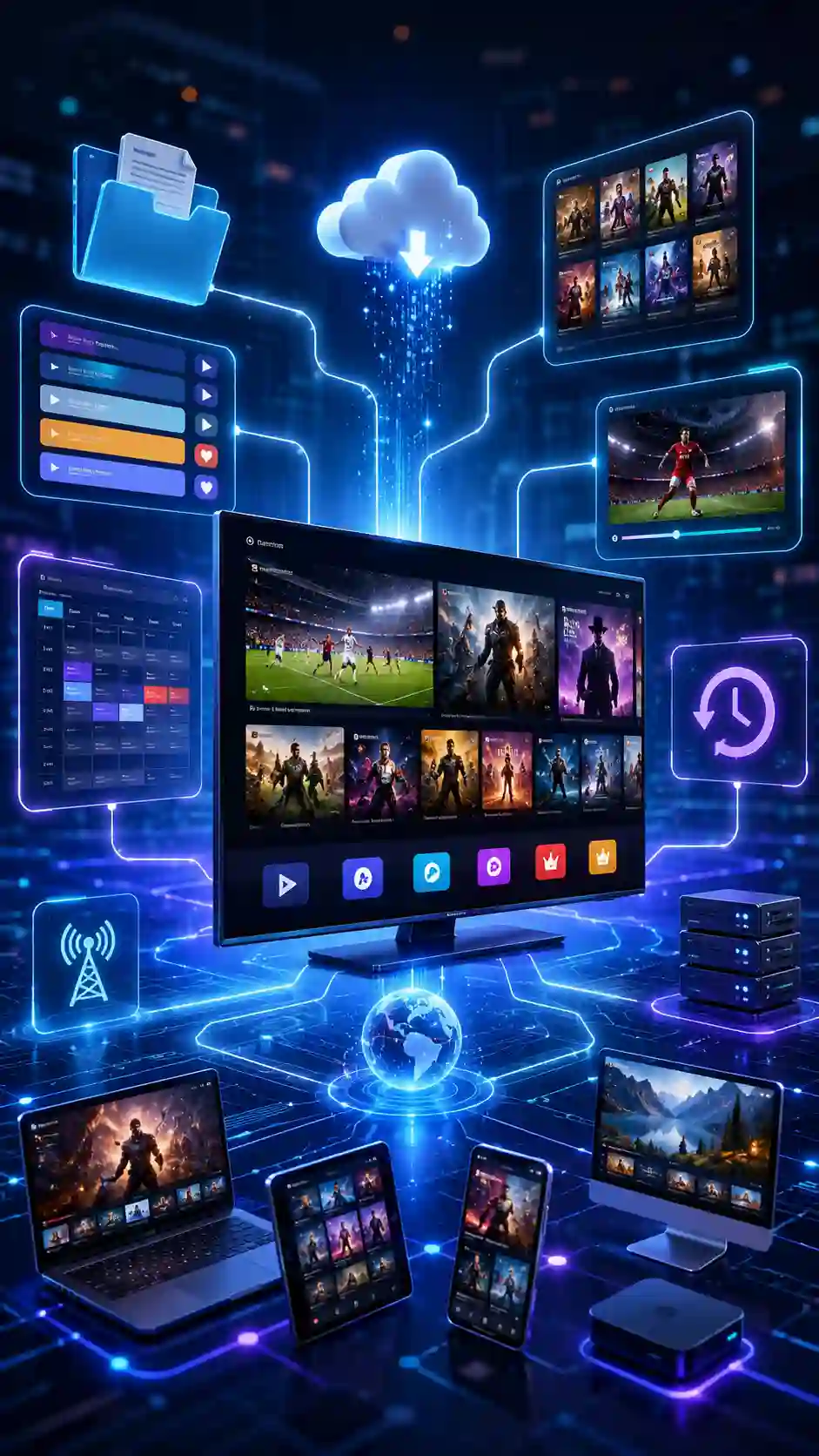
Decoding the Language of Cord-Cutting
When you first dive into the world of Internet Protocol Television, it can feel like you are learning a completely new language. You will encounter acronyms like M3U, EPG, VOD, and API. Don't worry—you are not alone. To help you navigate your new streaming setup, we have created the Ultimate IPTV Glossary.
Understanding these terms will help you configure your apps perfectly and get the most out of your Premium IPTV Services subscription, ensuring you enjoy 25,000+ channels in flawless 4K/UHD.
What is an M3U Playlist?
M3U (MP3 URL) is a computer file format used to store multimedia playlists. In IPTV, an M3U URL is a simple text-based web link. When you paste this link into your IPTV player app, the app downloads the text file and reads the list of channel URLs sequentially. It is the oldest and most universally supported format, working on almost every device in existence, including legacy Smart TVs and VLC Media Player.
What are Xtream Codes?
Xtream Codes (or Xtream Codes API) is a more advanced, modern protocol. Instead of a single text file, it uses an API to communicate between the server and your app. You log in using three pieces of data: a Server URL, a Username, and a Password. This format is highly recommended for Firestick and Android TV users because it loads categories, VOD, and EPG data much faster than M3U. For a deep dive, read our comparison of M3U vs Xtream Codes.
Understanding EPG (Electronic Program Guide)
The EPG is the on-screen TV guide. It shows you what is currently airing, what is coming up next, and allows you to schedule recordings. A reliable, auto-updating EPG is crucial for navigating live TV schedules. Premium IPTV Services provides a perfectly synced XMLTV EPG URL that maps channel logos and schedules flawlessly to your player app.
VOD (Video on Demand) and Catch-Up TV
VOD refers to the library of pre-recorded content you can watch at any time, much like Netflix. This includes movies and complete TV series. Catch-Up TV is a specific feature that allows you to rewind the live TV guide and watch shows that aired in the past few days, ensuring you never miss your favorite programs.
Anti-Buffer and Anti-Freeze Technology
Nothing ruins a live sports match faster than a buffering wheel. Anti-buffer technology refers to the server-side optimizations and app-side caching mechanisms that ensure a smooth, continuous stream of data. Premium IPTV Services utilizes advanced load-balancing across global servers to guarantee 99.99% uptime and zero freezing, even during peak viewing hours.
Conclusion
Now that you speak the language of IPTV, you are ready to configure your devices like a pro. Whether you are inputting your subscription credentials or tweaking your player settings, understanding these core concepts will maximize your streaming experience. Ready to test your knowledge? Grab an IPTV free trial and see these features in action!